# Introduction
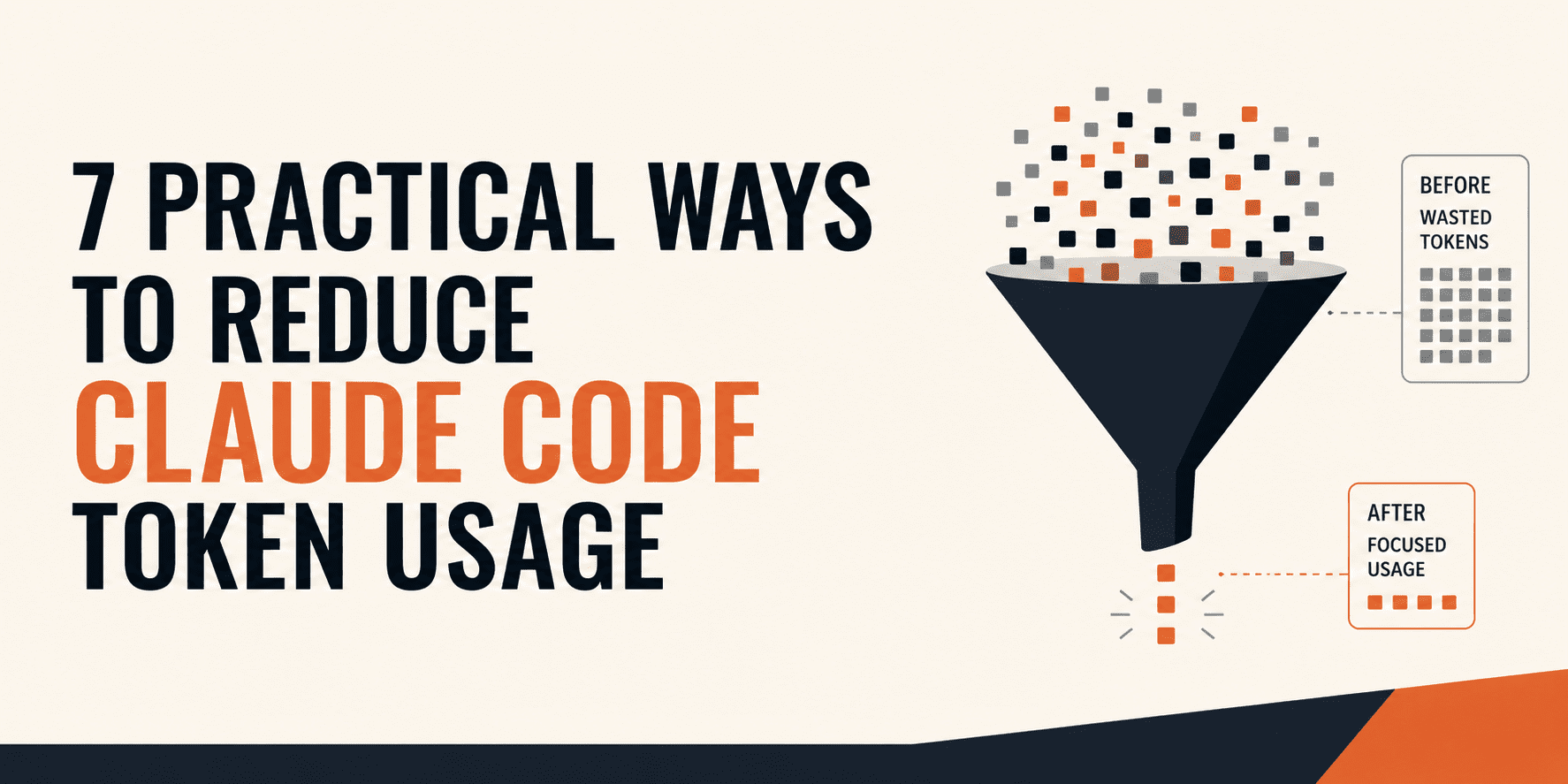
Claude Code is really useful, but it can also get expensive much faster than people expect. The reason is simple. You are not only paying for the prompt you just typed. In many cases, Claude is also carrying the rest of the session with it like earlier messages, files it already read, tool outputs, memory files like CLAUDE.md, and other background instructions. So when token use starts climbing, the real issue is usually not bad prompting. It is messy context.
A lot of generic advice on this topic is not that helpful. "Keep conversations short" is true, but it does not tell you what actually moves the needle. What actually helps is understanding how Claude Code builds context, what keeps getting resent, and which parts of your workflow quietly add waste over time. In this article, we will look at 7 practical ways that will help you to use Claude Code efficiently without constantly worrying about cost. So, let's get started.
# 1. Switching Models by Task Complexity
This one is simple but massively under-used. Not every task needs your most expensive setup. On API billing, Opus costs 5x more than Sonnet per token. On subscription plans, heavier models drain your quota window faster.
/model sonnet    # Day-to-day: writing tests, simple edits,
                 # explaining code, refactoring
/model opus      # Complex: multi-file architecture decisions,
                 # debugging gnarly cross-system issues
/model haiku     # Quick: lookups, formatting, renaming,
                 # anything repetitive
Start every session on Sonnet. Only switch to Opus when you genuinely need deep analysis or complex refactoring. Drop to Haiku for the mechanical stuff. You can also control effort level directly with /effort. For straightforward tasks, lowering the effort level reduces the thinking budget the model allocates, which directly saves output tokens.
# 2. Keeping CLAUDE.md Small and Useful
One of the best ways to save tokens is to stop retyping the same project rules in every chat. That is exactly what CLAUDE.md is for. It loads before Claude reads your code, before it reads your task, before anything. It persists in the context window for the entire session and is never lazy-loaded or evicted. This means a 5,000-token CLAUDE.md costs 5,000 tokens on every single turn, whether you send 2 messages or 200. So, put your stable instructions there: how to run tests, which package manager to use, your formatting rules, important architectural constraints, and the directories Claude should avoid touching. This cuts repeated prompt overhead across sessions.
Another important part is to keep it lean. Do not paste meeting notes, design history, or long implementation guides into it. You will get the best results when CLAUDE.md works more like a lookup table than a giant brain dump.
# 3. Delegating Verbose Work to Subagents
This is one of the most genuinely helpful tips because it changes how context grows. Subagents are isolated Claude instances that run in their own context window. When a subagent runs, all its verbose output — file searches, log dumps, multi-step reasoning — stays isolated. Only the summary returns to your main conversation. This can keep your main thread much cleaner. But this is also where a lot of generic advice goes wrong. Subagents are not automatically cheaper. Community testing shows that for small tasks, especially simple shell actions or quick git operations, a subagent can be wasteful because the architecture itself adds overhead through prompts, tool definitions, and extra tool-call round trips. So the practical rule is not "use subagents for everything." It is "use subagents when the saved main-context clutter is worth more than the startup overhead."
# 4. Pointing Claude to Exact Files and Line Ranges
One of the fastest ways to waste tokens is to ask Claude to "look around the repo" when the issue really lives in one or two files. The more vague the task, the more likely Claude is to spend tokens opening several files, exploring dead ends, and reconstructing context you could have handed it directly. Here is an example.
Original:
"Look through the auth code and tell me what is wrong."
Better:
"Compare
src/auth/session.tslines 30 to 90 withsrc/api/login.tslines 10 to 60 and explain the mismatch."
The first one sounds natural, but it often triggers expensive exploration.
Another tip is to use plan mode before expensive operations. Toggle it with Shift+Tab. In plan mode, Claude outputs a step-by-step plan without making any changes. You review the plan, cut anything unnecessary, then switch back to normal mode. This eliminates the biggest source of token waste: trial-and-error execution, where Claude tries things, hits errors, and iterates — with each iteration costing tokens.
# 5. Using /compact Proactively (Not Reactively)
Claude can compact your session automatically, and you can also run /compact yourself. But timing matters more than people think.
By the time Claude has inspected multiple files, run commands, and explored a few false leads, your session usually contains a lot of material that no longer matters. That is the right moment to compact. Instead of carrying all that extra context into the next step, you shrink the conversation once the important parts are clear, and then continue with a much lighter session.
A common mistake is using /compact too late. Many developers wait until Claude starts forgetting things or shows a context warning. At that point, the session is already overloaded, and the summary is not as clean or useful. If you compact earlier, while the session is still "healthy," the summary is much better. You keep the key information, drop the noise, and avoid dragging unnecessary tokens into every future step.
# 6. Checking /context Before Optimizing
One of the most underrated ideas is simply looking at what is consuming context. A lot of token waste feels mysterious until you remember that the expensive part may not be the visible prompt. It may be a big file Claude read earlier, accumulated tool output, a heavy memory file, or the overhead of extra tooling.
The /context command is your diagnostic tool. Before changing your whole workflow, look at what is actually being loaded or repeatedly re-sent. In many cases, the biggest improvement does not come from better prompting. It comes from spotting one "quiet offender" that has been riding along in every turn. This is why it is better not to optimize blindly. First, inspect what is in your context. Then remove or reduce the parts that are actually causing the bloat.
# 7. Keeping Your Tooling Setup Simple
Claude Code can connect to many external tools and data sources, which is powerful — but more connected tooling can also mean more context overhead once those tools come into play. If too many tools or helpers are involved, the model can end up dragging around more overhead than the task really needs. Keep your setup lean. Use integrations that solve a real repeated problem. Do not load up Claude Code with every available skill just because you can.
# Final Thoughts
The best way to reduce Claude Code token usage is not to babysit every prompt. It is to design your workflow so Claude only sees what it genuinely needs. The biggest wins come from controlling automatic context, narrowing search scope, and preventing noisy side work from contaminating the main session.
Stop thinking only about prompts and start thinking about context architecture.
Kanwal Mehreen is a machine learning engineer and a technical writer with a profound passion for data science and the intersection of AI with medicine. She co-authored the ebook "Maximizing Productivity with ChatGPT". As a Google Generation Scholar 2022 for APAC, she champions diversity and academic excellence. She's also recognized as a Teradata Diversity in Tech Scholar, Mitacs Globalink Research Scholar, and Harvard WeCode Scholar. Kanwal is an ardent advocate for change, having founded FEMCodes to empower women in STEM fields.