Image by Author
# Introduction
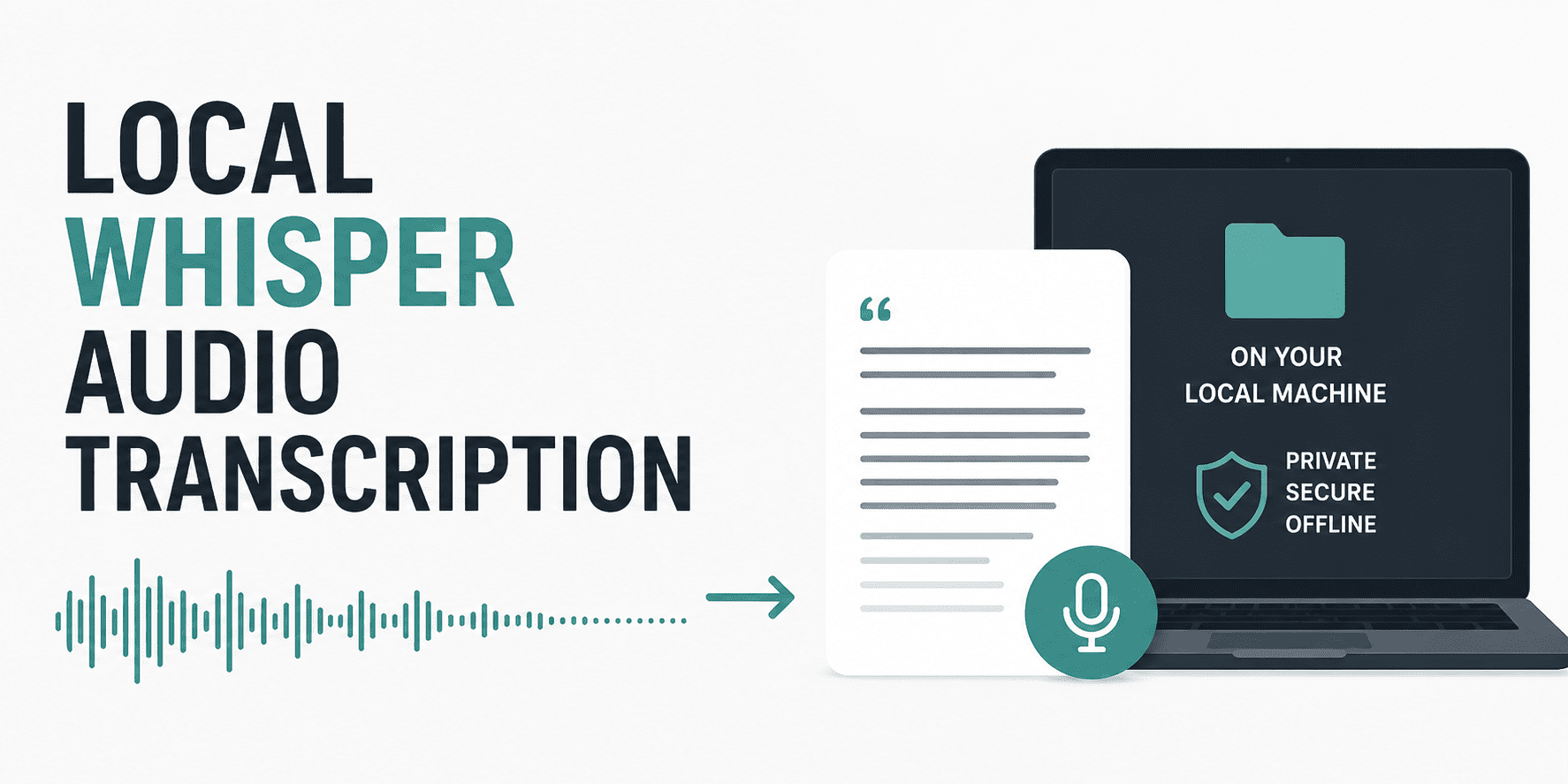
Transcribing audio into text is a common need for developers, whether you're building a voice-to-text app, analysing meeting recordings, or adding captions to videos. Doing it locally (on your own machine) protects privacy and avoids recurring cloud costs.
In this article, you will learn how to set up a fast, local transcription system using Whisper and its optimised version called Faster-Whisper. We will cover audio preprocessing like converting MP3 to WAV, write a Python script, and discuss running on both CPUs and GPUs.
# What Is Whisper? And Why Use a Local Variant?
OpenAI's Whisper is an automatic speech recognition (ASR) model. It's trained on a large amount of multilingual audio and performs well even with background noise or different accents.
However, the original Whisper can be slow on a CPU and uses significant memory. That's where optimised variants come in to help.
- whisper.cpp is written in C++ with no heavy dependencies. It is very fast on CPU, but requires compilation and is less Python-friendly.
- Faster-Whisper is a reimplementation using CTranslate2. It runs up to 4× faster than original Whisper, uses less RAM, and works seamlessly with Python. We will be using Faster-Whisper in this tutorial.
Both variants run 100% locally; no data leaves your computer.
# Setting Up Your Environment (Cross-Platform)
This setup works on Windows, macOS, and Linux with Python 3.8 or higher. Create and activate a virtual environment (optional but recommended):
python -m venv whisper_envActivate the virtual environment on macOS and Linux:
source whisper_env/bin/activateOn Windows:
whisper_env\Scripts\activateInstall Faster-Whisper:
pip install faster-whisper// Installing Audio Pre-processing Tools
Whisper expects audio in 16 kHz mono WAV format. To convert common formats (MP3, M4A, OGG, etc.), we need FFmpeg and the Python library pydub.
Install FFmpeg:
- On Windows, download from FFmpeg.org and add to PATH, or use
winget install ffmpeg. - macOS:
brew install ffmpeg - Linux (Ubuntu/Debian):
sudo apt install ffmpeg
Then install pydub:
// Optional GPU Support
If you have an NVIDIA GPU and want faster transcription, install cuBLAS and cuDNN following the Faster-Whisper GPU guide. Without this, the code automatically falls back to CPU.
# Audio Pre-processing: Converting Non-WAV Files
Most audio files you encounter are not raw WAV. They use compression (MP3) or container formats (M4A). You must convert them to 16 kHz, mono, PCM WAV before feeding them to Whisper.
Below is a Python function that uses pydub (which calls FFmpeg in the background) to perform this conversion.
from pydub import AudioSegment
import os

def convert_to_wav(input_path, output_path=None):
    """
    Convert any audio file (MP3, M4A, OGG, etc.) to WAV (16 kHz, mono).
    If output_path is None, replaces extension with .wav in the same folder.
    """
    if output_path is None:
        base, _ = os.path.splitext(input_path)
        output_path = base + ".wav"

    # Load audio (pydub uses ffmpeg)
    audio = AudioSegment.from_file(input_path)

    # Convert to mono and set sample rate to 16000 Hz
    audio = audio.set_channels(1).set_frame_rate(16000)

    # Export as WAV
    audio.export(output_path, format="wav")
    return output_path
Usage example:
wav_file = convert_to_wav("meeting.mp3")
print(f"Converted to: {wav_file}")
# Basic Transcription Script with Faster-Whisper
Now let's write a complete Python script that loads a Whisper model, transcribes a WAV file, and prints the result.
from faster_whisper import WhisperModel

def transcribe_audio(wav_path, model_size="base", device="cpu"):
    """
    Transcribe a WAV file (16 kHz mono) using Faster-Whisper.
    model_size: "tiny", "base", "small", "medium", "large-v2", "large-v3"
    device: "cpu" or "cuda" (if GPU is available)
    """
    # Initialize model (downloads automatically on first use)
    model = WhisperModel(model_size, device=device, compute_type="int8")

    # Run transcription
    segments, info = model.transcribe(wav_path, beam_size=5, language="en")

    print(f"Detected language: {info.language} (probability: {info.language_probability:.2f})")
    print("\nTranscription:")
    for segment in segments:
        print(f"[{segment.start:.2f}s -> {segment.end:.2f}s] {segment.text}")

    # Return full text if needed
    full_text = " ".join([seg.text for seg in segments])
    return full_text

# Example usage
if __name__ == "__main__":
    text = transcribe_audio("my_recording.wav", model_size="small", device="cpu")
What's happening in the code above?
WhisperModeldownloads the chosen model (e.g.small) to~/.cache/huggingface/hubon first run.beam_size=5balances accuracy and speed. Higher values (e.g. 10) are slower but more accurate.compute_type="int8"uses 8-bit integer math for faster inference. For GPU, you can try"float16".
| Device | Speed | Setup Complexity | Recommended For |
|---|---|---|---|
| CPU | Slower (but fine for files under 10 minutes) | None (just install) | Beginners, laptops, small projects |
| GPU (CUDA) | 3–5× faster | Requires NVIDIA drivers, cuBLAS, cuDNN | Long files, batch transcription |
To use a GPU, change device="cuda" in the code. Faster-Whisper automatically detects CUDA if installed correctly.
Tip: Even on CPU, Faster-Whisper is much faster than the original Whisper. For a 10-minute MP3, the base model on a modern CPU takes roughly 2 minutes.
# Converting MP3 to Transcript: A Complete Example
Here's a full script that converts any audio file to WAV, then transcribes it.
import os
from pydub import AudioSegment
from faster_whisper import WhisperModel

def convert_to_wav(input_path):
    """Convert any audio to 16kHz mono WAV."""
    audio = AudioSegment.from_file(input_path)
    audio = audio.set_channels(1).set_frame_rate(16000)
    wav_path = os.path.splitext(input_path)[0] + ".wav"
    audio.export(wav_path, format="wav")
    return wav_path

def transcribe_file(audio_path, model_size="base", device="cpu"):
    # Step 1: Convert if not already WAV
    if not audio_path.lower().endswith(".wav"):
        print(f"Converting {audio_path} to WAV...")
        audio_path = convert_to_wav(audio_path)

    # Step 2: Transcribe
    print(f"Loading model '{model_size}' on {device.upper()}...")
    model = WhisperModel(model_size, device=device, compute_type="int8")
    segments, info = model.transcribe(audio_path, beam_size=5)

    print(f"\nLanguage: {info.language} (prob: {info.language_probability:.2f})")
    print("\nTranscript:")
    for seg in segments:
        print(seg.text, end=" ", flush=True)
    print()  # final newline

if __name__ == "__main__":
    # Example: transcribe an MP3 file
    transcribe_file("interview.mp3", model_size="small", device="cpu")
Save this as transcribe.py and run:
The script will download the model once, convert the file, and output the transcript.
# Conclusion
You now have a local, fast, and privacy-friendly audio transcription system. Some key takeaways:
- Faster-Whisper gives you near-real-time transcription on a CPU and excellent speed on a GPU.
- Always pre-process audio to 16 kHz mono WAV using pydub and FFmpeg.
- The
model_sizeparameter trades accuracy for speed — start with"base"or"small". - Running locally means no API keys, no data sharing, and no monthly fees.
Try different Whisper model sizes for better accuracy. Add speaker diarisation (identifying who spoke when) using libraries like pyannote.audio. Build a simple web interface with Gradio or Streamlit.
Shittu Olumide is a software engineer and technical writer passionate about leveraging cutting-edge technologies to craft compelling narratives, with a keen eye for detail and a knack for simplifying complex concepts. You can also find Shittu on Twitter.